





Mismatched or Suspicious Sender Address
The display name says "Microsoft Support" but the actual email is from a random domain. Always expand and read the full email address — never just the name shown in your inbox.
109 Swearingen Beach East Tawakoni Texas 75472 United States
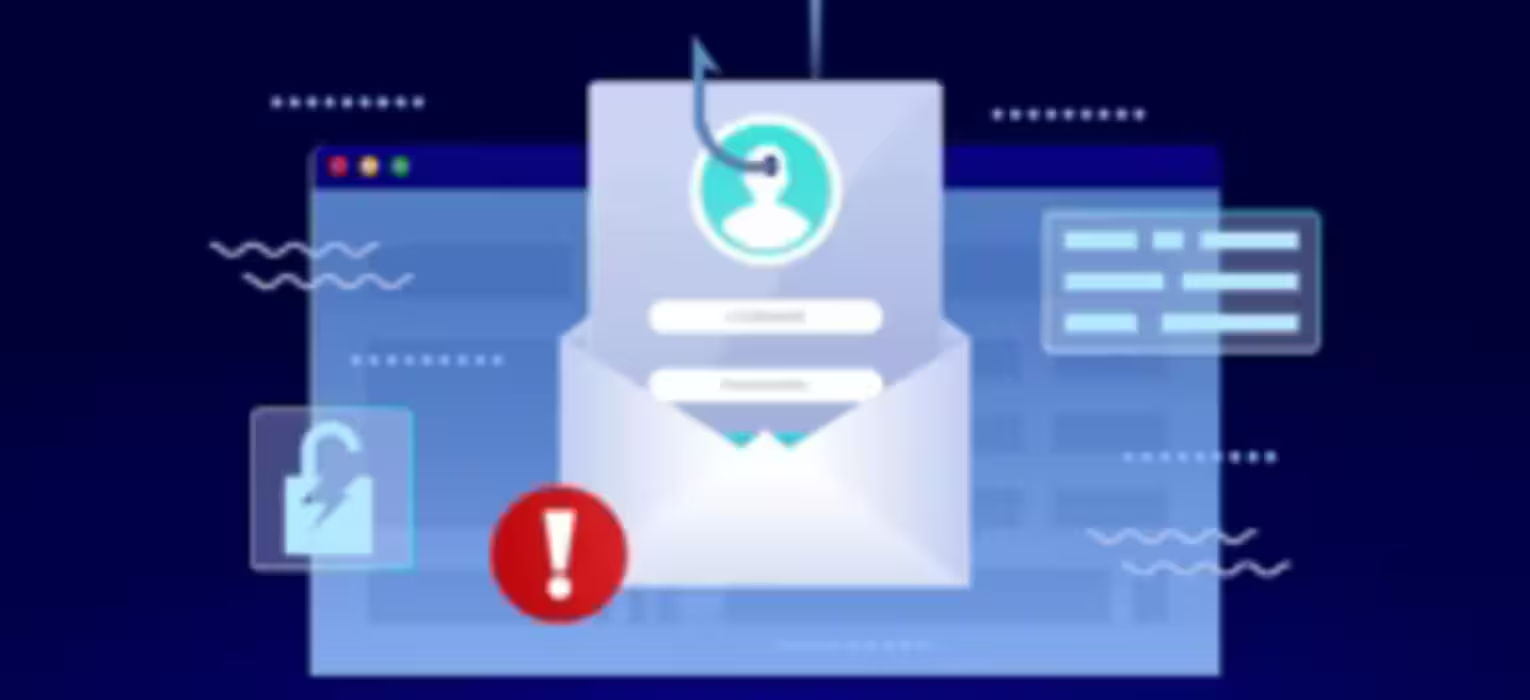
Every day, 3.4 billion phishing emails are sent worldwide. They arrive looking like your bank, your CEO, your IT department. At Safety Is A Mindset, we teach people to read emails differently — to see the trap before they click the link.
Threat Intelligence
Real phishing emails are crafted by professionals. They study your company, copy real brand assets, and exploit psychology. Below is a simulated example with annotations — hover the highlighted areas to reveal the attack tactics.
Dear Valued Employee,
Our security systems have detected unusual activity on your account. To avoid suspension, you must verify your identity within 24 hours.
Please click the secure link below to confirm your credentials:
✔ Verify My Account Now
If you did not request this, please ignore this email. Do not contact IT — this is automated.
Tactic 01 — Spoofed Domain
Attackers register domains nearly identical to real ones — adding "helpdesk", "support", or changing .com to .net. Always verify the full email address, not just the display name.
Tactic 02 — Urgency Engineering
Manufactured urgency overrides critical thinking. "Suspended in 24 hours" is a known psychological trigger. A safety mindset recognizes urgency as a red flag — not a reason to hurry.
Tactic 03 — Generic Salutation
Bulk phishing campaigns can't personalize. "Dear Valued Employee" signals a mass attack. Spear phishing — targeted attacks — may use your real name, making verification even more critical.
Tactic 04 — Reporting Suppression
Attackers know reporting kills the attack. They embed instructions to not call IT. This is always suspicious. Safety Is A Mindset training builds the reflex: when in doubt, report it.
Recognition Training
Phishing emails share tell-tale patterns. Training your brain to spot them is exactly what Safety Is A Mindset's cybersecurity awareness programs do — turning recognition into reflex.
The display name says "Microsoft Support" but the actual email is from a random domain. Always expand and read the full email address — never just the name shown in your inbox.
01"Your account will be closed in 12 hours." Real organizations don't threaten you into clicking links. Time pressure is designed to bypass your judgment — recognize it for what it is.
02Hover over any link before clicking. The URL that appears in your status bar should match where the link claims to go. Mismatches, typosquatted domains, and shortened URLs are immediate red flags.
03An invoice you didn't expect. A document from someone you don't recognize. Attackers embed malware in PDFs, Word files, and Excel sheets. Never open attachments without verifying the sender through a separate channel.
04"Dear Customer," "Dear User," "Valued Employee" — your bank knows your name. Your employer knows your name. Mass phishing campaigns often can't personalize at scale. Generic greetings are a signal.
05Though AI is improving attacker writing quality, many phishing emails still contain spelling mistakes, awkward phrasing, or overly formal language. These are residual signals of non-native authorship or automated generation.
06Legitimate organizations never ask for passwords, PINs, or full account details via email. Ever. No exceptions. Any email requesting this information should be treated as hostile — regardless of how official it looks.
07Logos, signatures, and formatting can be copied in minutes. An email that looks exactly like it's from your CEO or your bank may not be. Always verify unexpected requests — especially those involving money, data, or access — through a known phone number or in person.
08Attack Taxonomy
Not all phishing emails are equal. Understanding the different attack types helps Safety Is A Mindset training programs build targeted awareness for every role in your organization.
Most Common
Sent to millions of recipients with no personalization. Relies on volume — even a 0.01% success rate yields thousands of victims. Typically impersonates banks, delivery services, or government agencies.
High Volume · Low EffortHigh Risk
Targeted attack on a specific individual. Attackers research the victim first — name, role, colleagues, recent projects — and craft a convincing, personalized email. Significantly harder to detect.
Targeted · High EffortExecutive Threat
Spear phishing aimed at senior executives — CEOs, CFOs, board members. Often involves requests for wire transfers, sensitive data, or confidential documents. Poses as legal counsel, regulators, or business partners.
C-Suite Focus · CriticalInternal Threat
Attacker impersonates a trusted internal party — a manager, executive, or vendor — to authorize fraudulent transactions or data transfers. Often indistinguishable from legitimate internal email at first glance.
Financial Risk · BECCredential Attack
A legitimate email previously received is cloned — same content, same layout — but with links or attachments replaced with malicious versions. Sent from a spoofed address, claiming to be a "resend" or "updated version."
Deceptive · Trusted LookWhen It Happens
Immediate — Before Anything Else
If you've spotted a suspicious email and haven't acted yet — stop. Do not click links, download attachments, or reply to the sender. The safest action is no action. Close the email without interacting with any element inside it.
Within 1 Minute
Use your organization's phishing report button, forward it to your security team's designated inbox, or follow your company's reporting procedure. Do not delete it — your IT team needs the original email headers to investigate the source and protect others.
If You Clicked a Link — Immediately
If you clicked a link or opened an attachment, disconnect from Wi-Fi or unplug your ethernet cable immediately. This limits the attacker's ability to communicate with malware or exfiltrate data. Do not turn off the machine — your IT team may need to examine its state.
Within 5 Minutes
Call — don't email — your IT security team. Explain exactly what happened: what email arrived, what you clicked or downloaded, and when. Speed of notification is the single most important factor in limiting the damage from a phishing click.
If Credentials Were Entered
If you entered a password on a phishing page, change it immediately from a different, uncompromised device. Notify your IT team of every system you use that password for. Enable multi-factor authentication if not already active. Credential theft can cascade across systems within minutes.
Always — No Exceptions
A safety mindset means no blame culture. The most dangerous response to clicking a phishing link is silence. Organizations that create psychological safety — where people report mistakes without fear — detect and contain breaches far faster than those that don't. Your report protects your colleagues.
Email phishing is the third installment in our complete phishing awareness series. Explore other attack types and build your team's complete defense from the inbox out.
Series · 01
Start at the beginning. Understand what phishing is, why it works, and how Safety Is A Mindset frames it as a human behavior challenge — not just a technical one.
safetyisamindset.com/online-course-training-for-social-engineering ↗Series · 04
Text message phishing is the fastest-growing attack vector. Learn how attackers exploit your phone's trusted interface and how a safety mindset applies to every device you use.
safetyisamindset.com/online-course-training-for-phishing-03-email-phishing ↗Cybersecurity
Phishing is the delivery mechanism — malware is often the payload. Understand what gets installed when you click that link and how to protect every device in your organization.
safetyisamindset.com/online-course-training-for-malware-basics ↗Best Practices
Phishing steals credentials. Strong passwords and multi-factor authentication reduce the damage even when a phishing attempt succeeds. This is your second line of defense.
safetyisamindset.com/online-course-training-for-using-strong-passwords ↗Safety Culture
The most dangerous phishing victim is one too embarrassed to report the click. Explore how Safety Is A Mindset builds the psychological safety that makes reporting automatic — not shameful.
safetyisamindset.com/online-course-training-for-violence-in-the-workplace ↗Training
Knowledge alone doesn't prevent phishing. Controlled simulation exercises that test and train in real conditions are the most effective tool Safety Is A Mindset uses to build lasting recognition habits.
safetyisamindset.com/online-course-training-for-defining-cybersecurity ↗Common Questions
Safety Is A Mindset · Phishing Series
The most effective defense against email phishing isn't software — it's people who know what to look for and feel empowered to act. Explore Safety Is A Mindset's phishing simulation and awareness training programs.
Duration: 7 minutes
Format: Video
Tier: 2
Course ID: 7521
Languages: English